
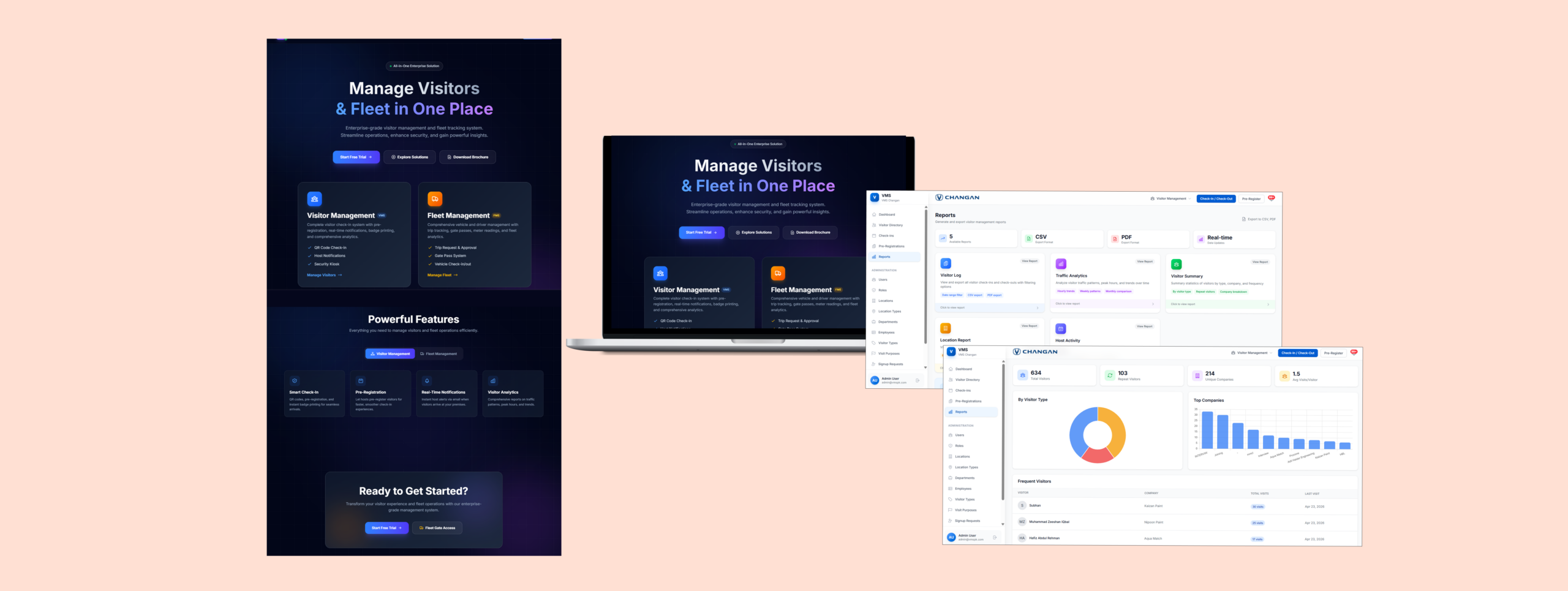
VMS (Visitor & Fleet Management System)
A B2B platform processing 50000+ visitors monthly across 3 enterprise deployments, reducing average check-in time from 4 minutes to 45 seconds

Snapshot
-
- End-to-end product design for Visitor Management and Fleet Management
- Role-based dashboards and operational workflows
- Self-service kiosk experience
- Admin controls for multi-tenant configuration
- Reporting, approvals, and security-focused UX
-
- Reduce operational friction
- Improve visibility and control
- Make a complex enterprise system feel intuitive
The Problem

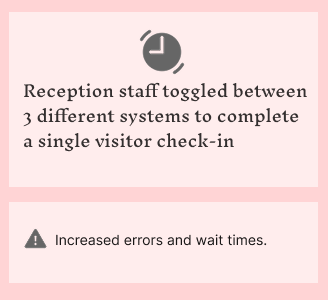


Objective
The Challenge
- Visitor pre-registration
- Walk-in registration
- Self-service kiosk check-in
- Badge printing and QR scanning
- Blacklist checks and compliance logging
- Fleet request and approval workflows
- Driver and vehicle management
- Security gate operations
- Reporting and exports
- Admin settings and feature toggles
My Role
Users

Research & Discovery
Key research insights

Feature Prioritization
- visitor pre-registration and check-in
- self-service kiosk flow
- blacklist and ID verification
- trip request and approval
- vehicle and driver assignment
- role-based dashboards
Design Approach
- Key Design Principles
- Solution Highlights
- Key Workflows
Key Design Principles
- Clarity over feature overload : Show only what matters for the current task – hide complexity until needed.
- Speed for high-frequency workflows: Especially for reception, kiosk, and gate operations.
- System visibility at all times: Users need to know what’s active, approved, blocked, or pending.
- Security built into the flow: Security checks should feel seamless, not disruptive – no extra steps, no popups to dismiss.
- Structured configuration: Admin flexibility without making the system feel technical or messy.
Solution Highlights


Key Workflows
- Visitor pre-registration
- Walk-in and returning visitor check-in
- Self-service kiosk flow
- Blacklist validation during check-in
- Trip request and approval
- Vehicle / driver assignment
- Gate pass verification
- Mileage tracking and trip closure
- Reporting and exports
- Admin configuration and feature managemen
User flow diagram — Visitor check-in flow

User flow diagram — Self-service kiosk flow

User flow diagram — Fleet request flow

Starting the design
- Platform Architecture
- Wireframes
- Key Mockups
- Accessibility
Information Architecture

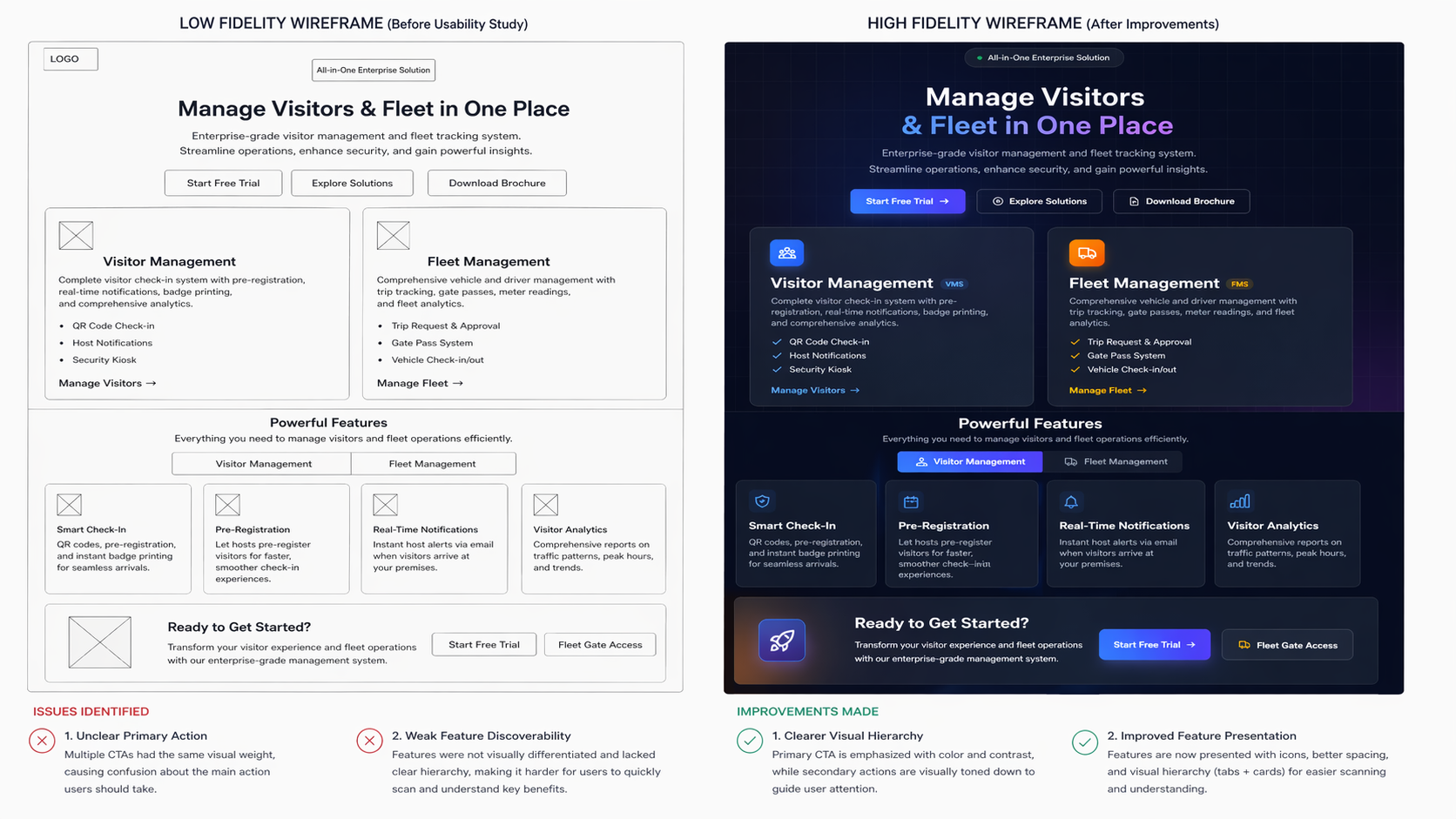
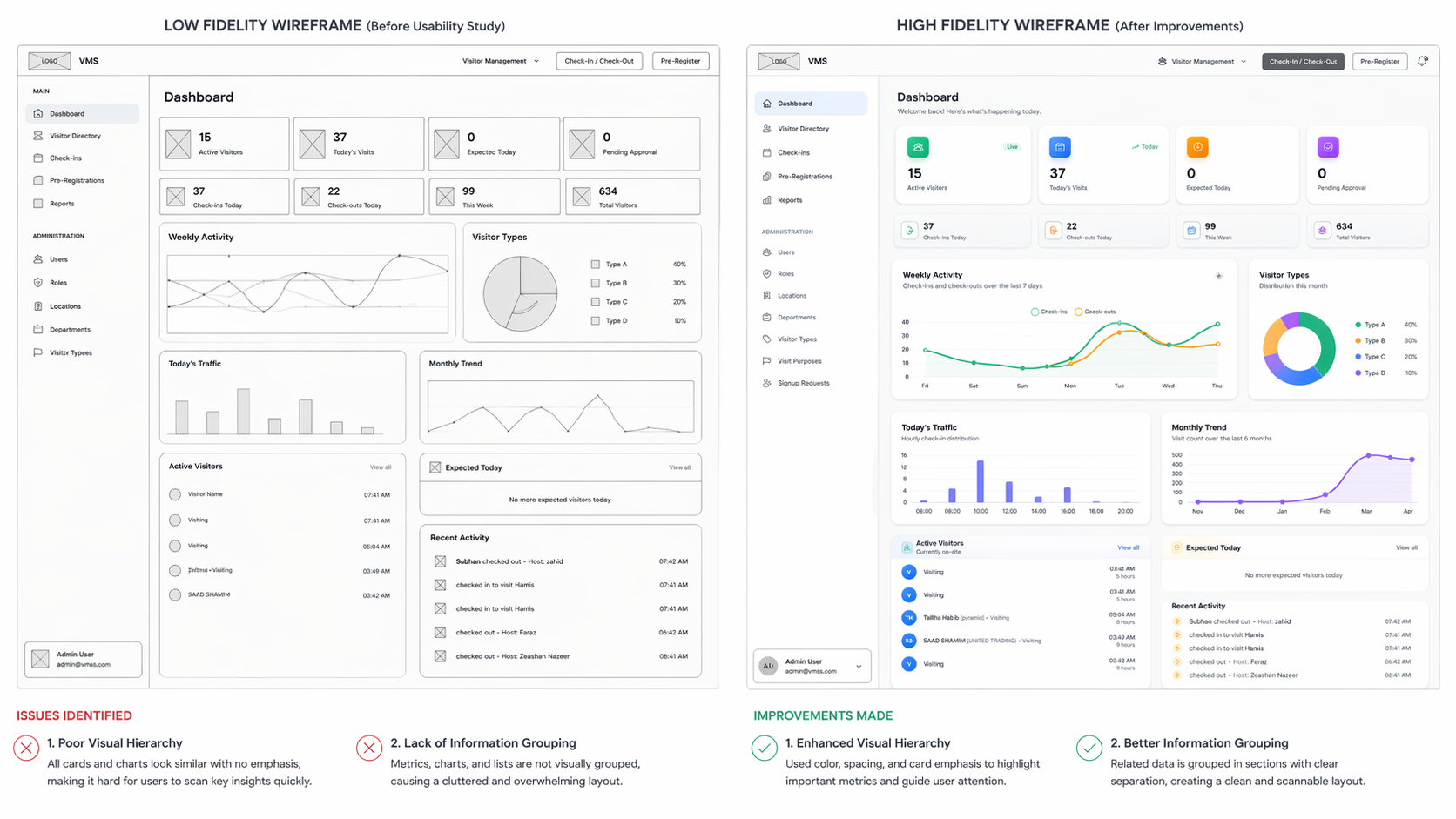
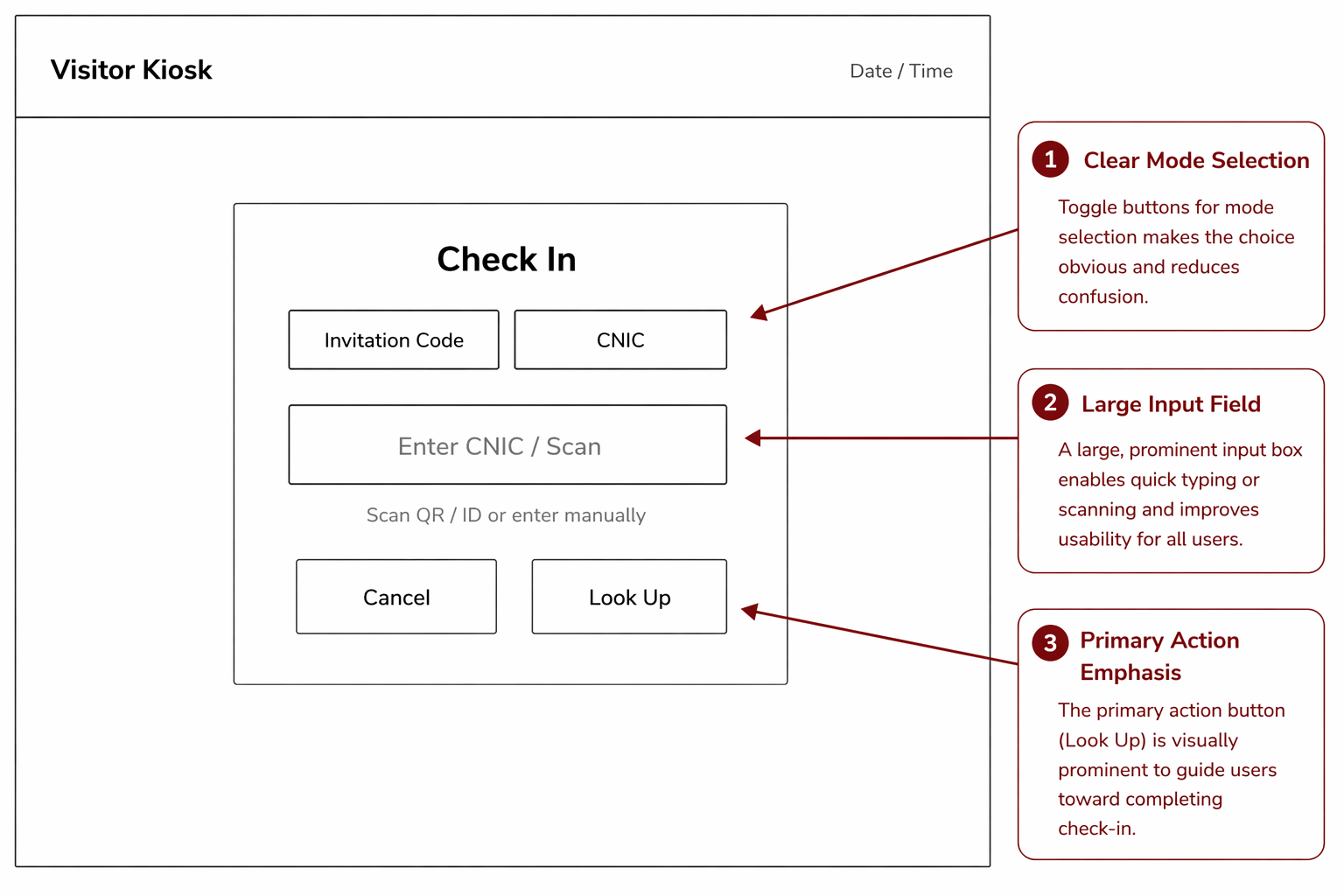
Wireframes
Early low-fidelity wireframes explored layout, structure and main flows. Based on usability testing insights, key screens were refined that improved clarity, hierarchy, and usability.


Key Mockups
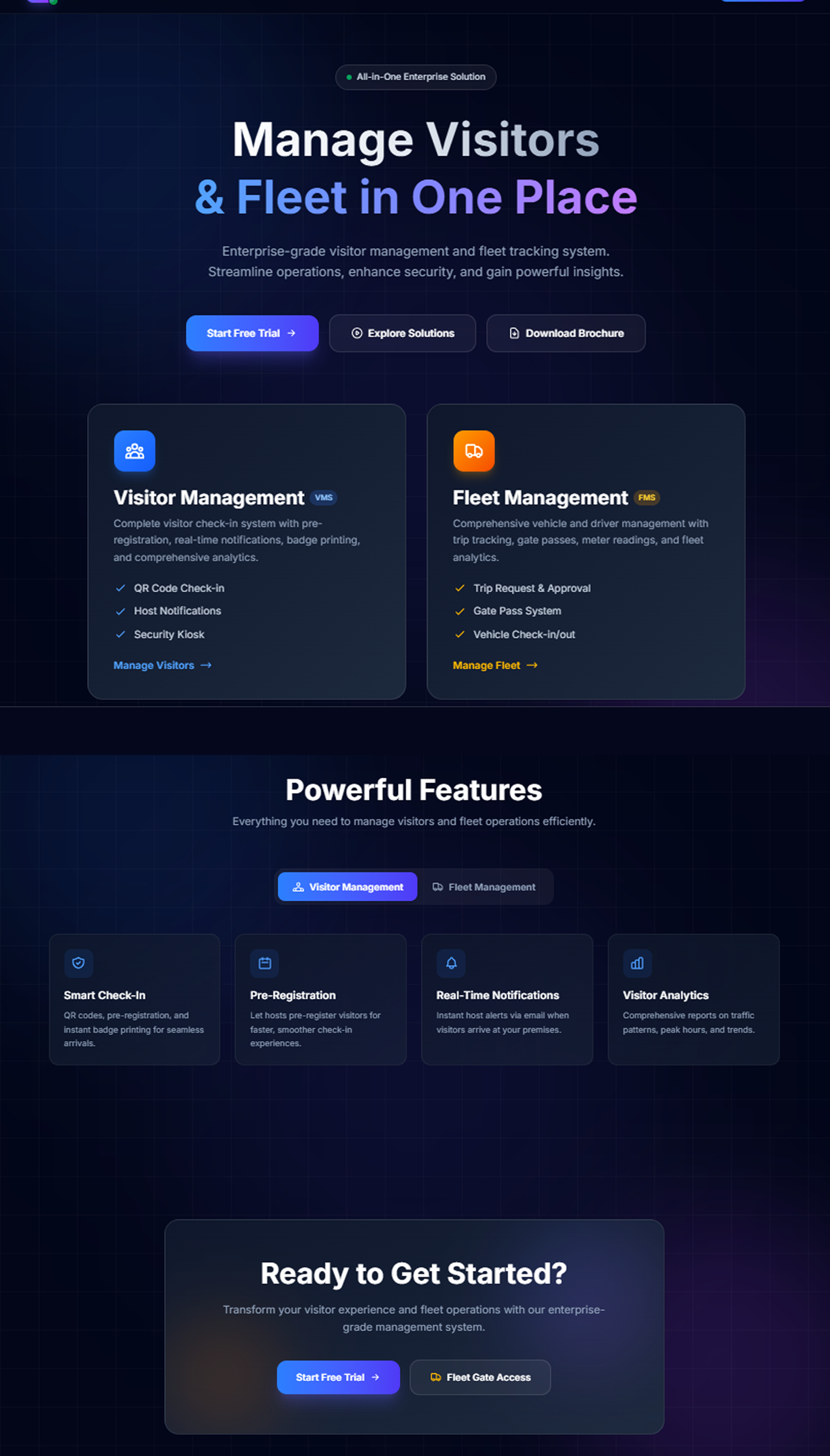
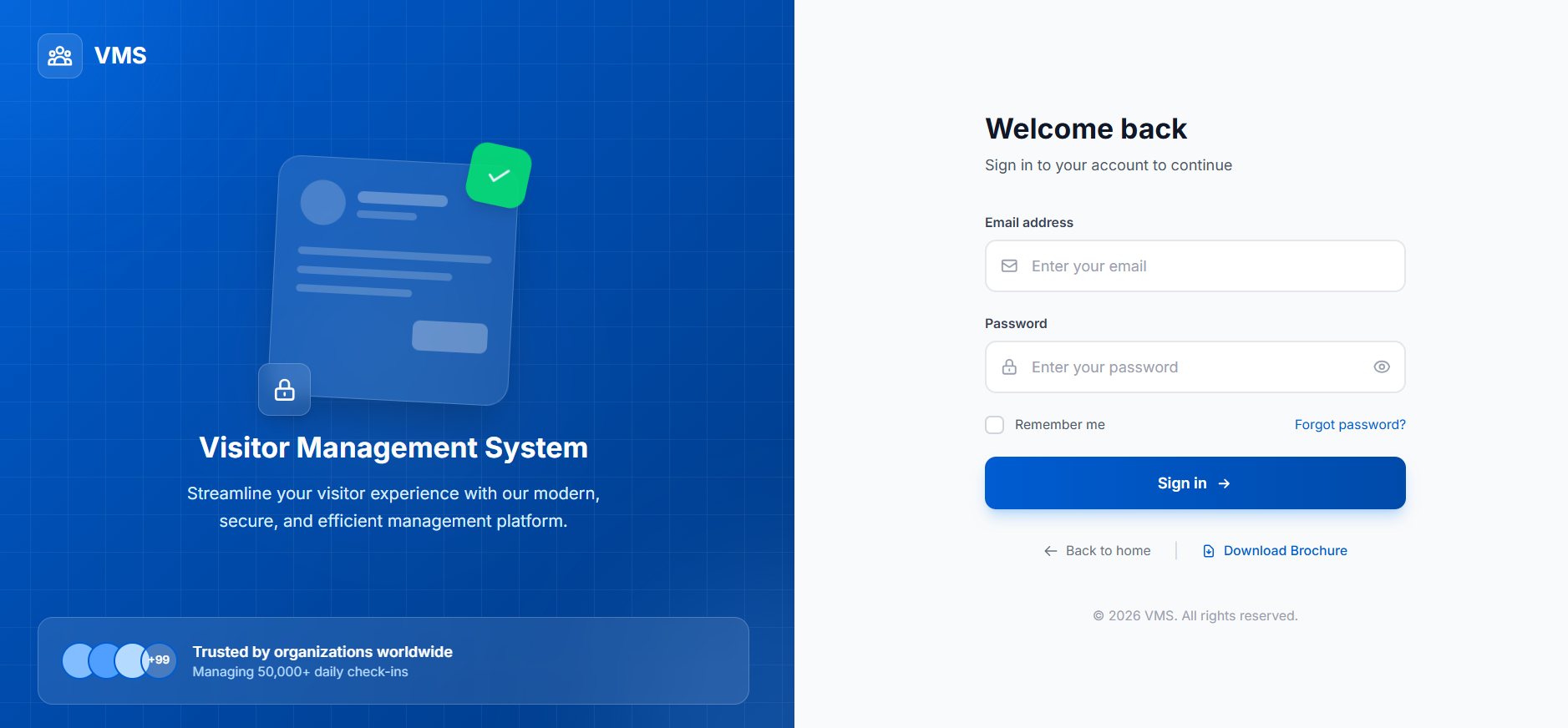
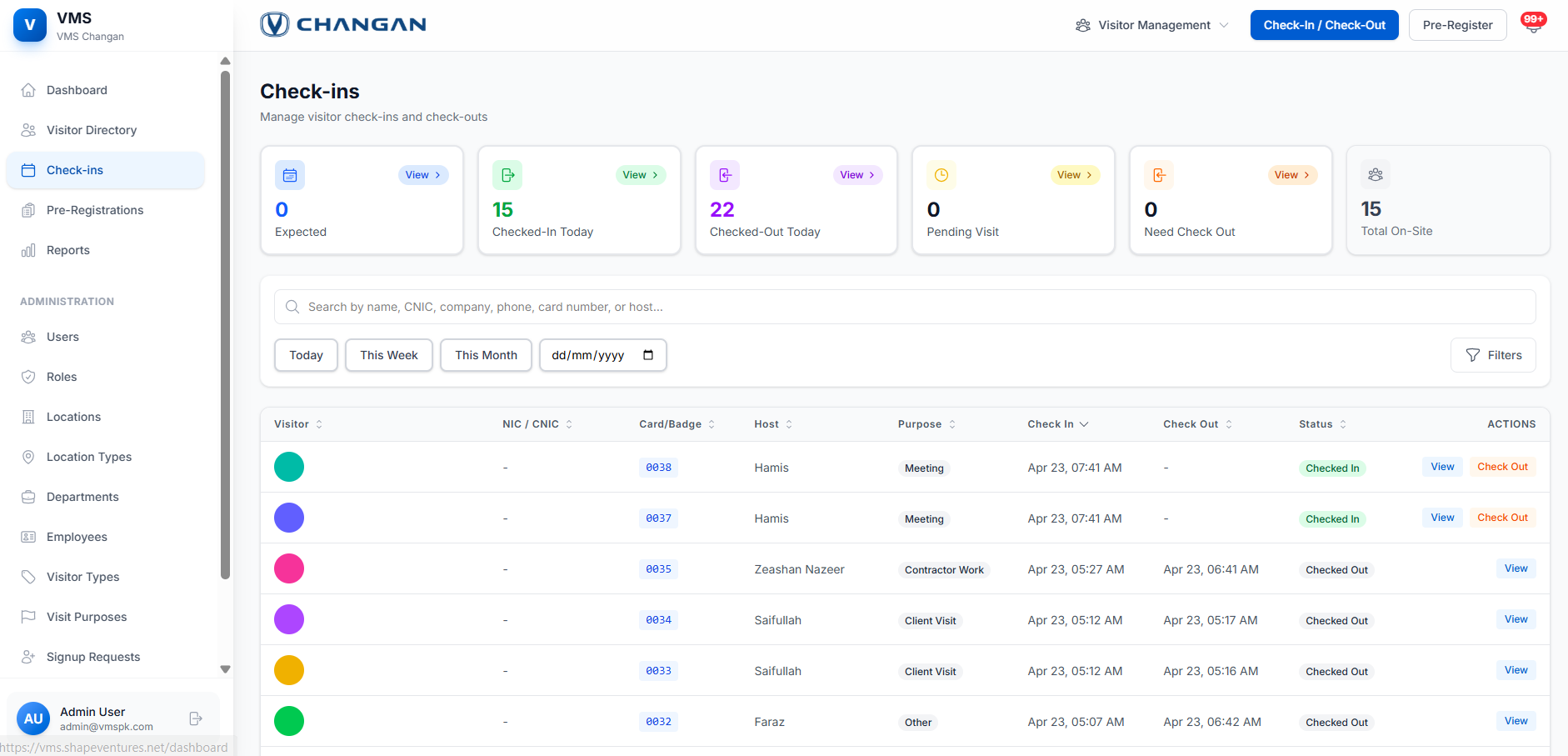
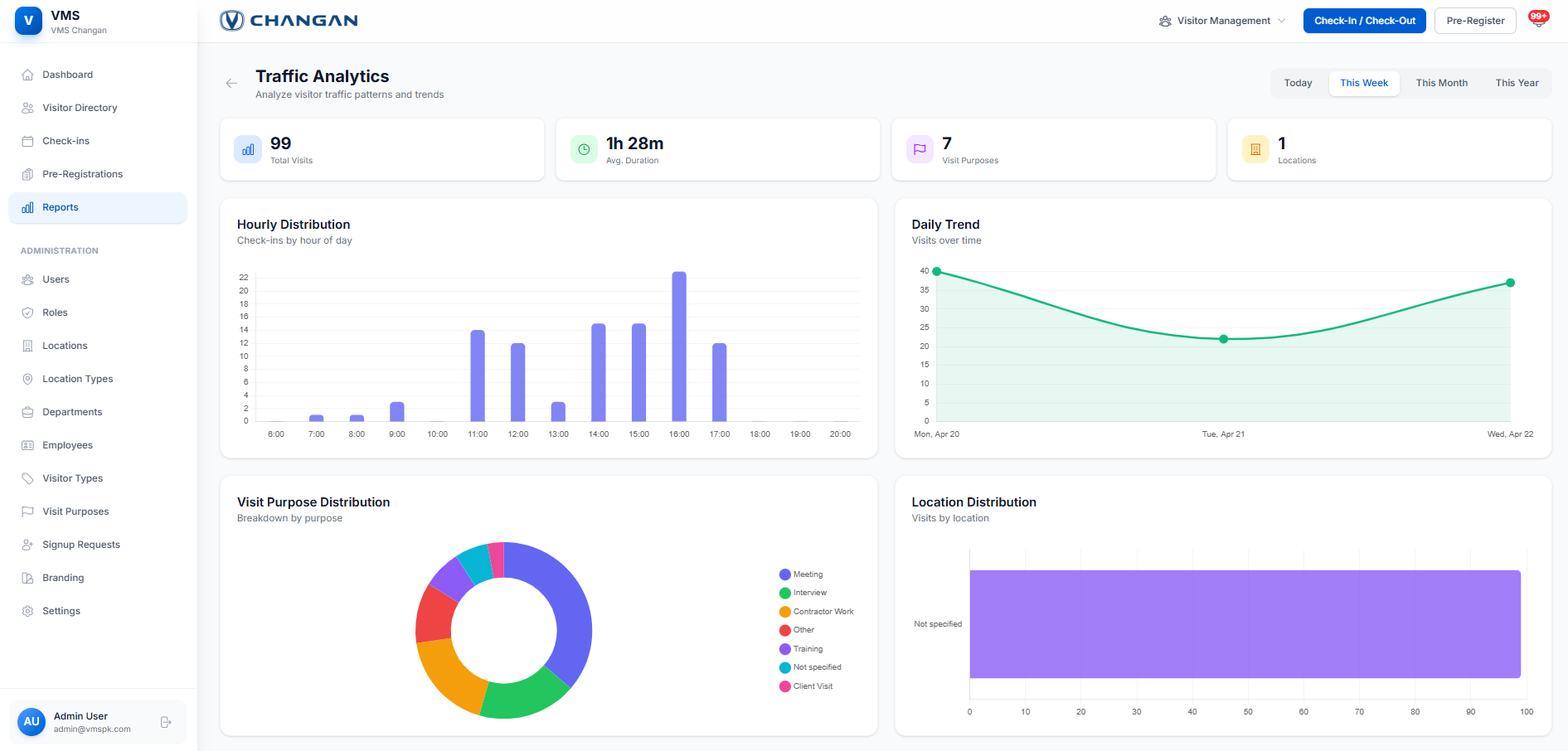
Product Preview
Accessibility Considerations
To make the app inclusive and compliant with WCAG 2.1 standards, I focused on:
-
Color & Contrast: Ensured sufficient color contrast and avoided relying on color alone to convey information (WCAG 1.4.3).
-
Text & Readability: Used scalable, legible fonts with clear hierarchy to support users with visual or cognitive impairments (WCAG 1.4.4, 3.1).
-
Screen Reader Support: Included text labels and alt text for non-text elements to enhance compatibility with assistive technologies (WCAG 1.1.1, 4.1.2).
-
Touch & Navigation: Maintained large touch targets and simple, consistent layouts to support easy navigation for users with motor or cognitive limitations (WCAG 2.5.5, 2.4.6).
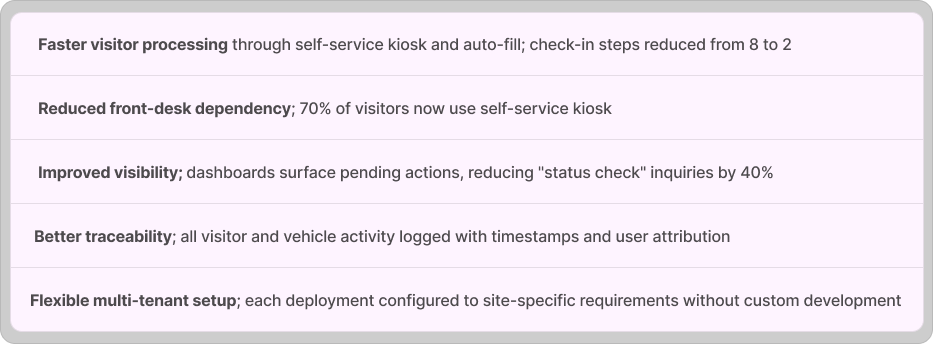
Outcomes
Product Impact

UX Impact
Going Forward
- Takeaways
- Next steps
What I Learned
Key takeaways
- Speed matters more than perfection. Security teams need quick, confident actions; not extra confirmation steps.
- Too much flexibility confuses users. Simplifying settings by use case made setup faster and clearer.
- Show only what’s relevant. Hiding irrelevant info by role made the system feel easier to use instantly.
- Always make status visible. Users trust the system when they can see what’s pending or blocked at a glance.
Next Steps
-
Mobile app for on-the-go fleet and visitor management
-
Deeper integrations with HR systems, access control hardware
-
Advanced analytics and forecasting for facility planning
More Projects
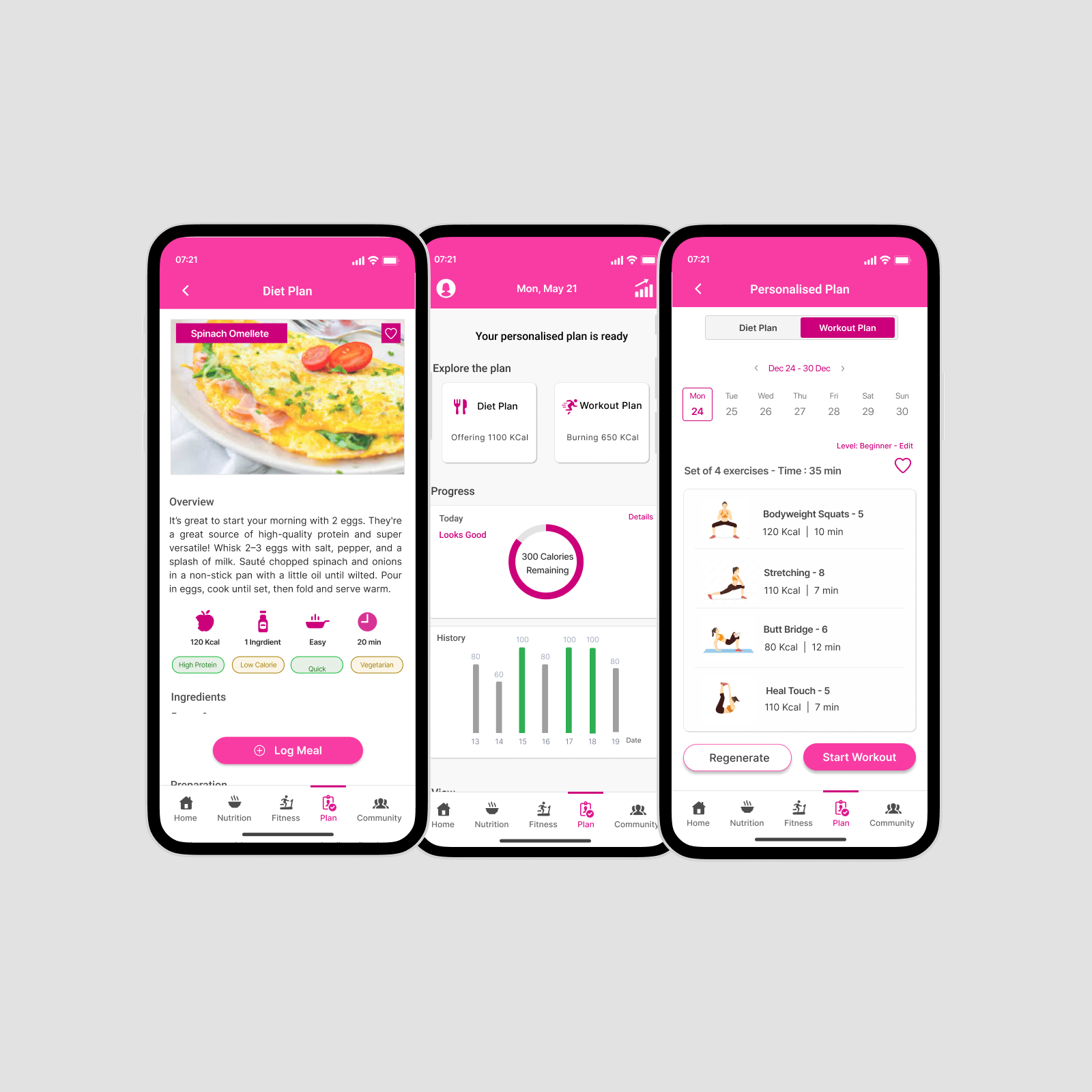
VitaBloom
Mobile app design providing personalized plans client: Interact Health Pro (Toronto-based health-tech)
View Case Study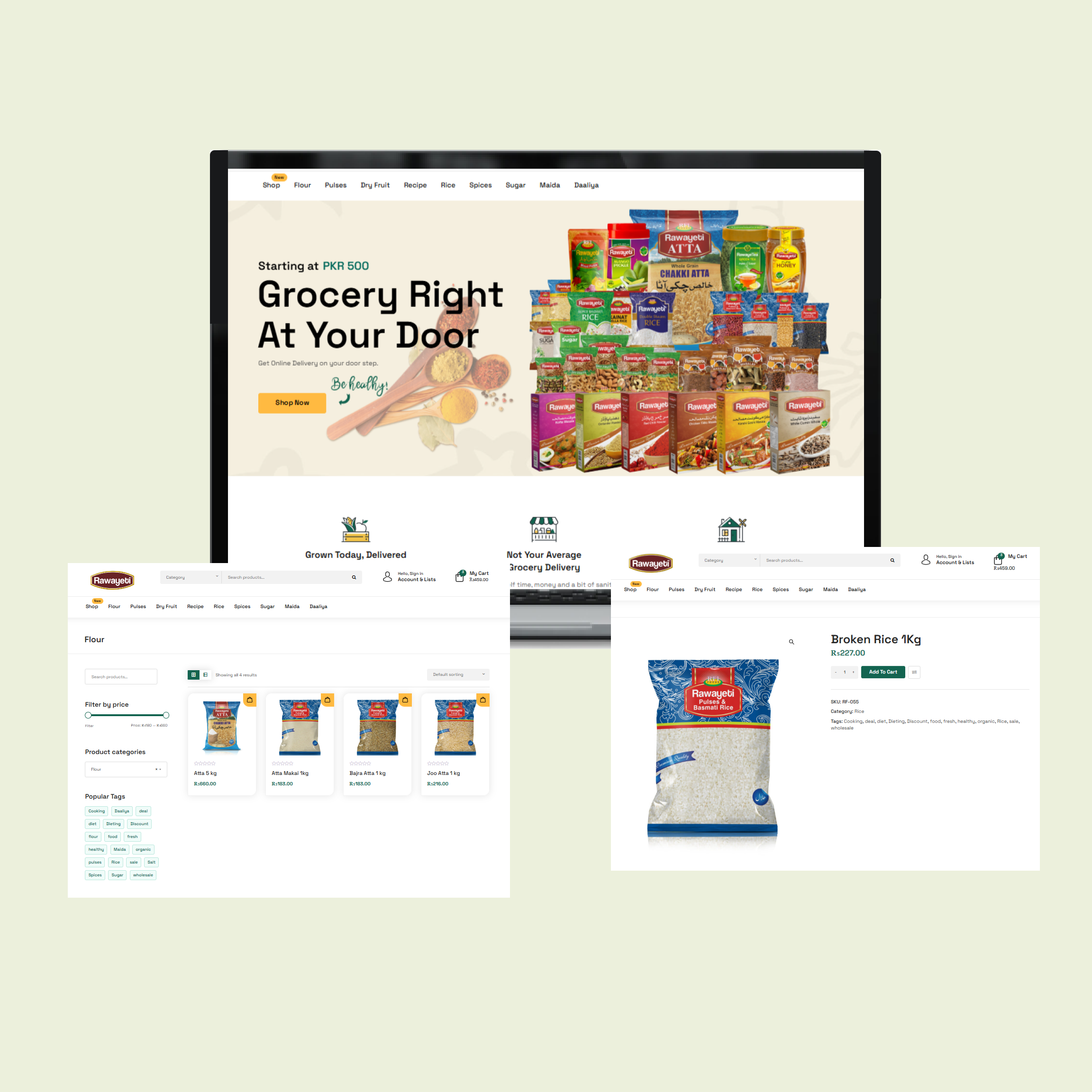
Rawayeti
Website Redesign to increase conversion rate Client: Rawayeti (a Pakistani grocery retailor)
View Case Study